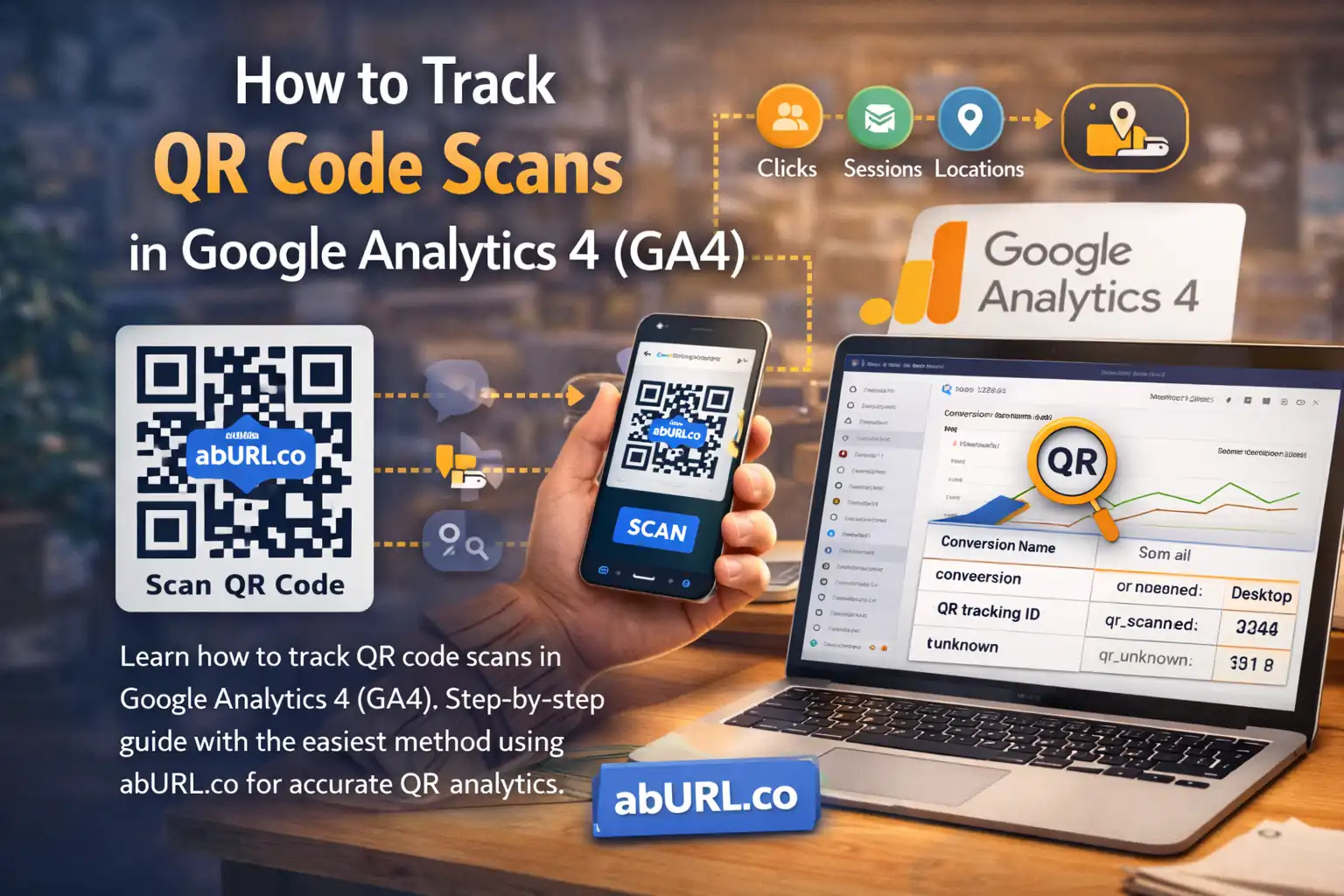
QR codes power modern marketing: restaurant menus, packaging, direct mail, event booths, retail displays, and outdoor advertising. But a QR code is only valuable if you can measure what happens after someone scans it.
If you want to track QR code scans in Google Analytics 4 (GA4), you need more than just a basic QR generator. You need a structured tracking system that connects scans, campaigns, and conversions.
This guide explains how QR tracking works in GA4, why the traditional method is flawed, and how abURL gives you a more scalable and reliable solution.
Can Google Analytics 4 Track QR Code Scans?
Yes — but not automatically.
GA4 does not detect a QR scan event. It only tracks activity once a visitor lands on your website. That means the scan itself is invisible unless the link is intentionally structured for tracking.
This is where many businesses lose clarity.
If you simply generate a QR code pointing directly to your homepage, GA4 will treat that visit like any other. You won’t know which poster, product, table, or campaign triggered the scan.
The Common (But Limited) Way to Track QR Codes in GA4
The traditional method looks like this:
- Create a QR code linking directly to your website
- Add UTM parameters to the URL
- View traffic inside GA4 under Acquisition reports
While this technically works, it has several weaknesses:
- UTM parameters are easy to mistype
- You cannot update links after printing
- There is no centralized QR management
- You have no scan-level analytics outside GA4
- Scaling across multiple campaigns or locations becomes messy
This approach is fragile. Once the QR is printed, mistakes are permanent.
The Smarter Method: Short Links + GA4 Tracking
The most reliable way to track QR scans in 2026 is to route traffic through a managed short link first — then forward users to a GA4-optimized destination.
This creates two layers of insight:
- Scan and click tracking at the link level
- Behavior and conversion tracking inside GA4
That is exactly how abURL is designed to work.
How to Track QR Code Scans in GA4 Using abURL
Step 1: Create a Managed Short Link
Instead of pointing your QR directly to your website, create a short link inside abURL. This link becomes the QR code destination.
Because it is managed inside a dashboard, you can:
- Edit the final destination anytime
- Keep your printed QR codes active long term
- Maintain brand consistency
Step 2: Attach GA4-Compatible Tracking
Inside abURL, you can forward traffic to a URL that includes properly structured UTM parameters.
Your workflow becomes:
QR scan → abURL short link → GA4-tagged landing page
This ensures GA4 recognizes the campaign correctly while preserving flexibility at the link level.
If you ever need to update the campaign, you modify the destination inside abURL — not the printed QR.
Step 3: Generate the QR Code
Generate the QR code directly from your managed short link.
Advantages include:
- Cleaner visual appearance
- Faster scanning than long URLs
- Fully dynamic destinations
- Reusable QR codes across campaigns
Your QR becomes a permanent asset, not a disposable one.
Step 4: Analyze Traffic in GA4
In Google Analytics 4:
Go to Reports → Acquisition → Traffic acquisition
Filter by your UTM source, medium, or campaign name.
Each session tied to those parameters represents a successful QR-driven visit.
You can then measure:
- Engagement rate
- Conversions
- Revenue
- Event completions
- Funnel progression
Why abURL Is More Effective Than Direct QR-to-Website Tracking
When you link a QR code directly to your website, you lose control after printing.
With abURL, you gain:
- Editable destinations after printing
- Centralized QR and link management
- Built-in scan and click analytics
- Clean branded short links
- Seamless GA4 compatibility
- Reusable campaign infrastructure
Instead of relying solely on GA4 for visibility, you combine link-level performance data with post-scan behavioral analytics.
That dual-layer insight turns QR codes into a measurable growth channel.
What You Can Measure with QR + GA4
By combining abURL and Google Analytics 4, you can track:
- Total scans per campaign
- Performance by physical location
- Engagement by time of day
- Conversion rates after scanning
- Device breakdowns
- Revenue tied to offline materials
This transforms QR codes from static tools into data-driven marketing assets.
Why Performance-Focused Marketers Choose abURL
Most QR generators stop at “scan and redirect.”
abURL is built for businesses that want measurable outcomes.
It combines:
- Short links
- Dynamic QR generation
- Built-in scan analytics
- Campaign-level tracking
- GA4-ready forwarding
Instead of guessing which QR placements work best, you operate with clear data.
If you want structured QR tracking that scales across campaigns, you can set up your trackable short links and QR codes at abURL.
FAQ: Tracking QR Codes in GA4
Does GA4 track QR scans automatically?
No. GA4 tracks website visits, not scan events. You must structure QR links intentionally to capture meaningful data.
What is the easiest way to track QR scans in GA4?
Use a managed short link that forwards to a GA4-tagged landing page. This ensures flexibility, scalability, and cleaner data.
Can I change a QR destination after printing?
Only if the QR is dynamic. A managed short-link system allows you to update destinations anytime.
Is GA4 enough for QR analytics?
GA4 shows what happens after the scan. A short-link platform provides scan-level and campaign-level visibility before the user reaches your site.
Final Thoughts
QR codes are powerful — but only if they are measurable.
Relying solely on GA4 without structured link management leads to incomplete data and operational limitations. The smarter 2026 setup is to combine managed short links with GA4 tracking.
That way, you capture both scan performance and on-site behavior — giving you the full picture of what your QR campaigns are truly delivering.